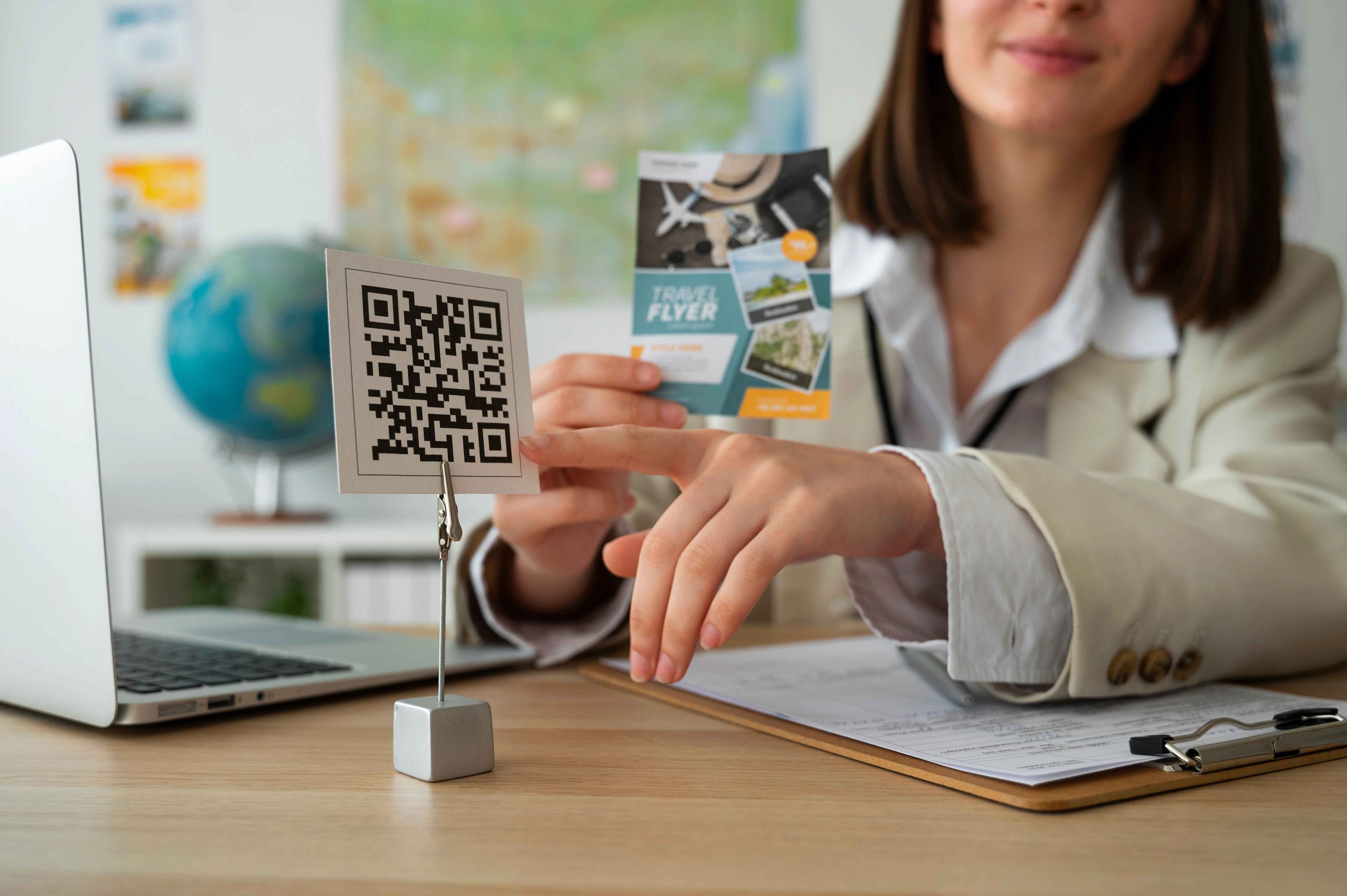
QR codes have evolved from simple barcodes to sophisticated digital connectors that bridge physical and digital experiences. With smartphone adoption exceeding 85% globally, QR codes offer unprecedented opportunities for businesses and individuals to create seamless interactions. This comprehensive guide provides everything you need to master QR code implementation, from basic creation to advanced optimization strategies.
Understanding QR Code Capabilities and Limitations
Before diving into creation, it's crucial to understand what QR codes can and cannot do. Originally developed in 1994 by Denso Wave for tracking automotive parts, QR (Quick Response) codes have evolved to support numerous data types and applications.
What QR Codes Can Store:
Website URLs & Links
Direct users to websites, landing pages, or specific URLs. Can handle up to 4,296 alphanumeric characters or 7,089 numeric characters.
WhatsApp Messages
Start WhatsApp chats with pre-filled messages using the format: https://wa.me/phone-number?text=your-message
WiFi Network Credentials
Connect devices to WiFi networks automatically using standardized format: WIFI:S:SSID;T:Type;P:Password;
Contact Information (vCard)
Share contact details that save directly to phone contacts, including name, phone, email, and company information.
Technical Limitations to Consider:
- Data Capacity: Maximum 4,296 alphanumeric characters or 7,089 numeric characters
- Scan Distance: Depends on size - 1-inch code scans from 4-6 inches, 4-inch code from 15-20 feet
- Error Correction: Can recover 7%-30% of damaged code depending on correction level
- Color Constraints: High contrast is essential - dark on light backgrounds work best
Step-by-Step Guide: Creating Your First QR Code
Practical Tutorial: Creating a Professional URL QR Code
- Access the Generator: Visit OnlineQrs.com and navigate to the free QR code generator tool
- Enter Your Content: Input your complete website URL (include https:// for best compatibility)
- Customize Appearance: Select brand-appropriate colors while maintaining high contrast
- Choose Error Correction: Select "High" (30% recovery) for important applications
- Generate & Preview: Click generate and preview the code on different screen sizes
- Download: Save as high-resolution PNG for printing or SVG for vector applications
Format Examples for Different Use Cases:
Standard Format Examples
Business Card (vCard):
BEGIN:VCARD
VERSION:3.0
N:Last;First;;;
FN:First Last
ORG:Company Name
TITLE:Job Title
TEL;TYPE=WORK,VOICE:123-456-7890
EMAIL:email@company.com
URL:https://website.com
END:VCARD
WhatsApp Business Contact:
https://wa.me/1234567890?text=Hello!%20I'm%20interested%20in%20your%20services
Secure WiFi Connection:
WIFI:S:NetworkName;T:WPA2;P:StrongPassword123;H:false;
Strategic Placement for Maximum Scan Rates
QR code placement significantly impacts scan rates. Research shows optimal placement can increase scan rates by up to 47%. Consider both physical and psychological factors when positioning your codes.
Optimal Placement Strategies by Industry:
- Business Cards: Top right corner (67% scan rate) or bottom center (58% scan rate) - provide clear value proposition nearby
- Product Packaging: Side panels (visible from shelves) or back labels with "Scan for more info" call-to-action
- Marketing Materials: Position near related content, not isolated - studies show 42% higher engagement when contextual
- Restaurant Implementation: Top of each menu section with brief benefit statement ("Scan for nutrition info")
- Event Materials: Clear, unobstructed areas at eye level with adequate lighting conditions
- Retail Environments: Near point-of-sale, product displays, or entrance areas with consistent branding
Critical Technical Requirement: The Quiet Zone
All QR codes require a "quiet zone" - clear space surrounding the code equal to four modules (squares) on all sides. This area must be free of text, graphics, borders, or any other visual elements. Failure to maintain this space reduces scan accuracy by up to 90%.
Psychological Factors in Placement:
- Eye Flow: Place codes where natural eye movement leads the viewer
- Proximity Principle: Position near related content or calls-to-action
- Contrast Importance: Ensure high contrast with background (minimum 70% contrast ratio)
- Size Considerations: Minimum 1x1 inch (2.5x2.5 cm) for reliable smartphone scanning
Comprehensive Testing Methodology
Never deploy QR codes without thorough testing. A comprehensive testing protocol should cover technical functionality, user experience, and environmental factors.
Multi-Device Testing
Test on: iOS (iPhone 11+), Android (Samsung/Google), various camera apps, dedicated QR scanners. Check minimum OS requirements: iOS 11+, Android 8+.
Performance Testing
Check: Page load speed (<3 seconds), mobile responsiveness, redirect accuracy, SSL certificate validity, and connection reliability.
Content Verification
Verify: URL accuracy, content relevance, mobile optimization, legal compliance, and value alignment with user expectations.
Environmental Testing Checklist:
- Lighting Conditions: Test in bright sunlight, low light, and artificial lighting
- Angles & Distances: Verify scanning from 0-90 degree angles at intended distances
- Surface Materials: Test on glossy, matte, textured, and curved surfaces
- Print Quality: Check resolution, color accuracy, and ink saturation
- Network Conditions: Test with different connection speeds (3G to 5G)
Advanced Implementation Strategies
A. Dynamic vs Static QR Codes: Strategic Selection
Static QR Codes
Best For: Permanent information, business cards, product identification, fixed contact details
Advantages: No maintenance, always accessible, works offline
Limitations: Cannot update content, no analytics
Dynamic QR Codes
Best For: Marketing campaigns, event management, time-sensitive offers
Advantages: Update content anytime, track analytics, A/B testing
Considerations: Requires management, dependent on service provider
B. Advanced Customization Techniques
- Brand Integration: Add logos while maintaining 30% maximum coverage of QR code area
- Color Psychology: Use brand colors while ensuring minimum 70% contrast ratio
- Gradient Effects: Apply subtle gradients that maintain scan reliability
- Error Correction Levels: Choose based on importance - L (7%), M (15%), Q (25%), H (30%)
- Shape Customization: Modify module shapes while maintaining scannability
C. Analytics and Performance Tracking
Implement tracking to measure QR code effectiveness:
- Basic Metrics: Total scans, unique scans, scan frequency
- Temporal Analysis: Peak scanning times, day-of-week patterns
- Geographic Data: City/country distribution, location heat maps
- Device Intelligence: Operating systems, device models, camera types
- Conversion Tracking: Post-scan actions, goal completions, ROI calculation
Recommended tools: Google Analytics UTM parameters, dedicated QR tracking platforms, custom landing page analytics.
Critical Mistakes to Avoid
Common QR Code Implementation Errors
- Size Inadequacy: Codes smaller than 1x1 inch (2.5x2.5 cm) reduce scan reliability by 80%
- Poor Contrast: Light-on-light or dark-on-dark combinations fail in 65% of scanning attempts
- Missing Quiet Zone: Encroaching graphics reduce first-scan success rate to 10-20%
- Complex Backgrounds: Busy patterns behind codes decrease scan accuracy by 40-60%
- Mobile Unfriendly Destinations: Desktop-only websites increase bounce rates by 300%
- No Value Proposition: Codes without clear benefits see 90% lower engagement
Technical Implementation Errors:
- Broken Links: 404 errors or redirect chains breaking the user experience
- Slow Loading: Destination pages taking longer than 3 seconds to load
- Security Issues: Non-HTTPS destinations triggering security warnings
- Format Errors: Incorrect vCard or WiFi syntax preventing functionality
- Print Resolution: Low DPI printing causing blurry, unscannable codes
Real-World Business Applications
Restaurant & Hospitality
Applications: Digital menus (reduce printing costs 85%), contactless ordering, feedback collection, loyalty programs, staff communication, inventory management
ROI Example: Average restaurant saves $2,400 annually on menu printing while increasing average order value by 18% through upsell suggestions.
Retail & E-commerce
Applications: Product information access, customer reviews, size guides, payment options, inventory checking, personalized offers
Impact: Stores using QR codes report 34% higher engagement and 22% increased conversion rates compared to traditional methods.
Real Estate & Property
Applications: Virtual property tours, detailed specifications, neighborhood information, agent contact, scheduling tools, document access
Results: Properties with QR codes sell 17% faster and receive 42% more inquiries than those without digital enhancements.
Education & Training
Applications: Course material access, assignment submission, library resources, attendance tracking, parent communication, digital textbooks
Benefits: Schools report 56% faster material distribution and 38% higher student engagement with QR-enhanced learning.
Implementation Roadmap: 30-Day QR Code Success Plan
Quick Start Implementation Timeline
Week 1: Planning & Testing
• Define objectives and success metrics
• Create 3-5 test QR codes for different use cases
• Establish testing protocol and measurement tools
Week 2: Initial Deployment
• Implement on business cards and digital platforms
• Train staff on QR code benefits and usage
• Begin basic analytics collection
Week 3: Optimization
• Analyze initial performance data
• Adjust placement and messaging based on results
• Expand to additional touchpoints
Week 4: Scaling & Integration
• Integrate QR codes into marketing campaigns
• Implement advanced tracking and A/B testing
• Document processes and create training materials
Conclusion: Mastering QR Code Implementation
QR codes represent one of the most accessible yet powerful digital tools available to businesses and individuals. Their successful implementation requires a strategic approach that balances technical requirements with user experience considerations.
Key success factors include:
- Clear Value Proposition: Every QR code should solve a problem or provide immediate benefit
- Technical Excellence: Proper sizing, contrast, quiet zones, and error correction
- Strategic Placement: Position where users naturally look with clear calls-to-action
- Continuous Optimization: Regular testing, analytics review, and iterative improvement
- Integration Strategy: QR codes as part of broader digital ecosystem, not isolated tools
The future of QR codes continues to evolve with augmented reality integrations, payment systems, and IoT connectivity. By mastering current implementation best practices, you position yourself to leverage emerging opportunities as they develop.
Ready to Implement Professional QR Codes?
Start your QR code journey with OnlineQrs's comprehensive free generator. Create unlimited codes, access detailed tutorials, and implement with confidence using our best practice guides.
Start Creating NowNo signup required • Free forever • High-resolution downloads • Professional results